
01. Lock the document
Encrypt the PDF before it leaves your hands.
Create a password-protected copy with AES encryption, then save it beside the original or to the folder you select.
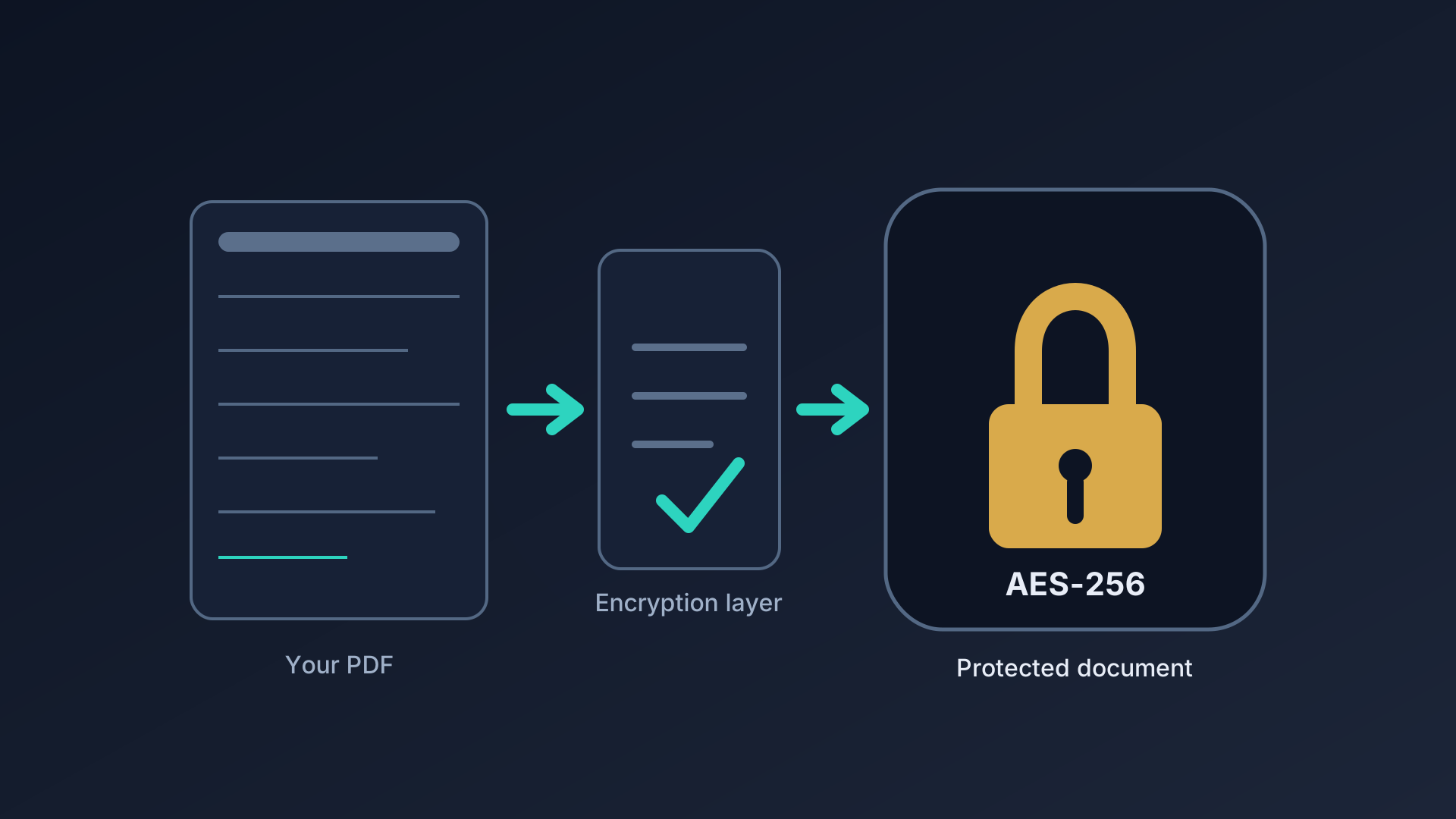
Files stay on your PC. No uploads, no account, no subscription.
PDF LockSmith is a focused desktop utility for adding password protection to PDF files or removing protection when you know the password. Drop a file, lock or remove its password, and the result saves automatically — all on your device.
 A focused desktop workspace for the files that need protection.
Start with the file in front of you, decide what changes, then keep only the passwords you choose to reuse.
Create a password-protected copy with AES encryption, then save it beside the original or to the folder you select.
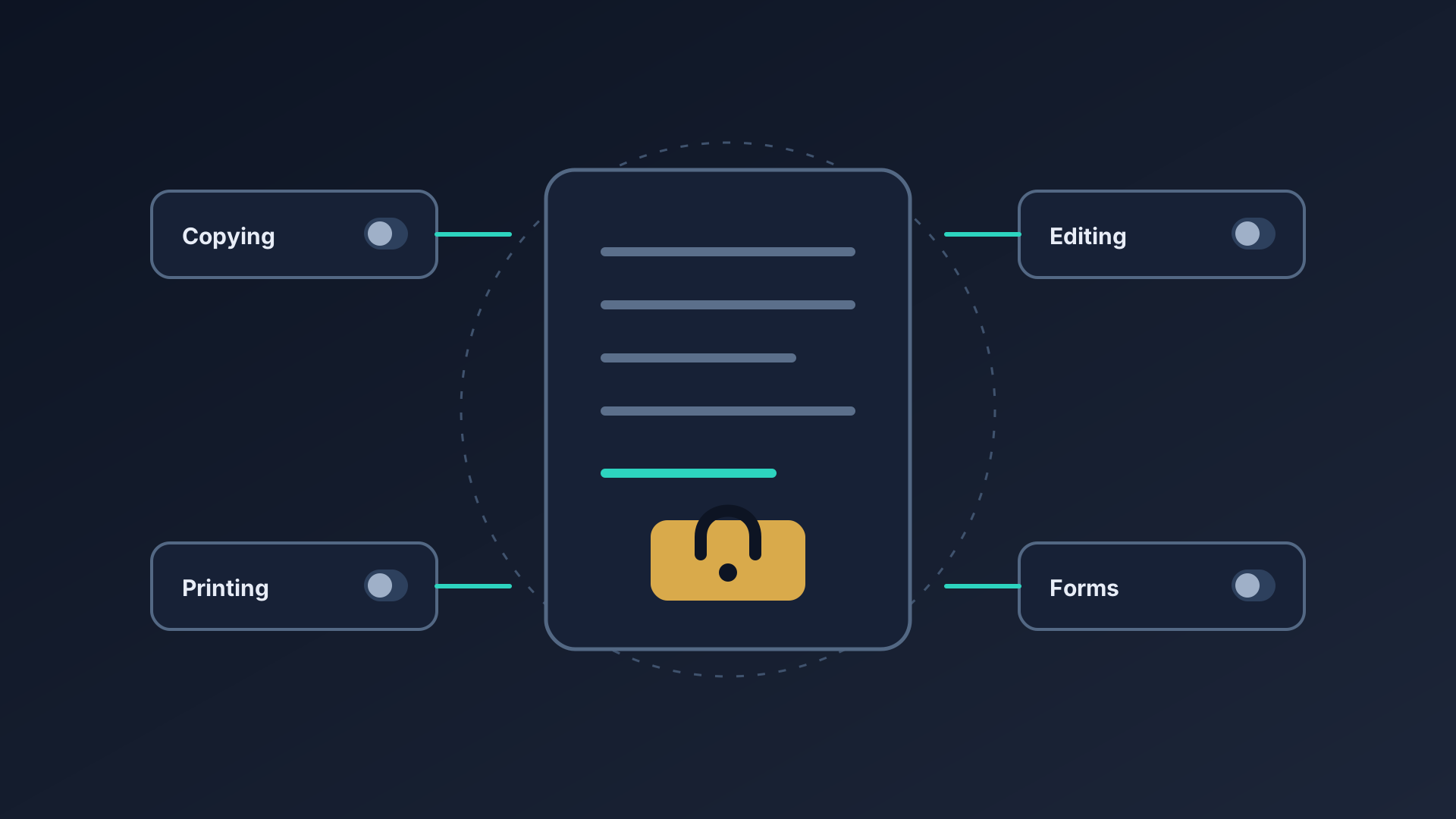
Add an owner password and control printing, copying, editing, and form filling on the protected file.
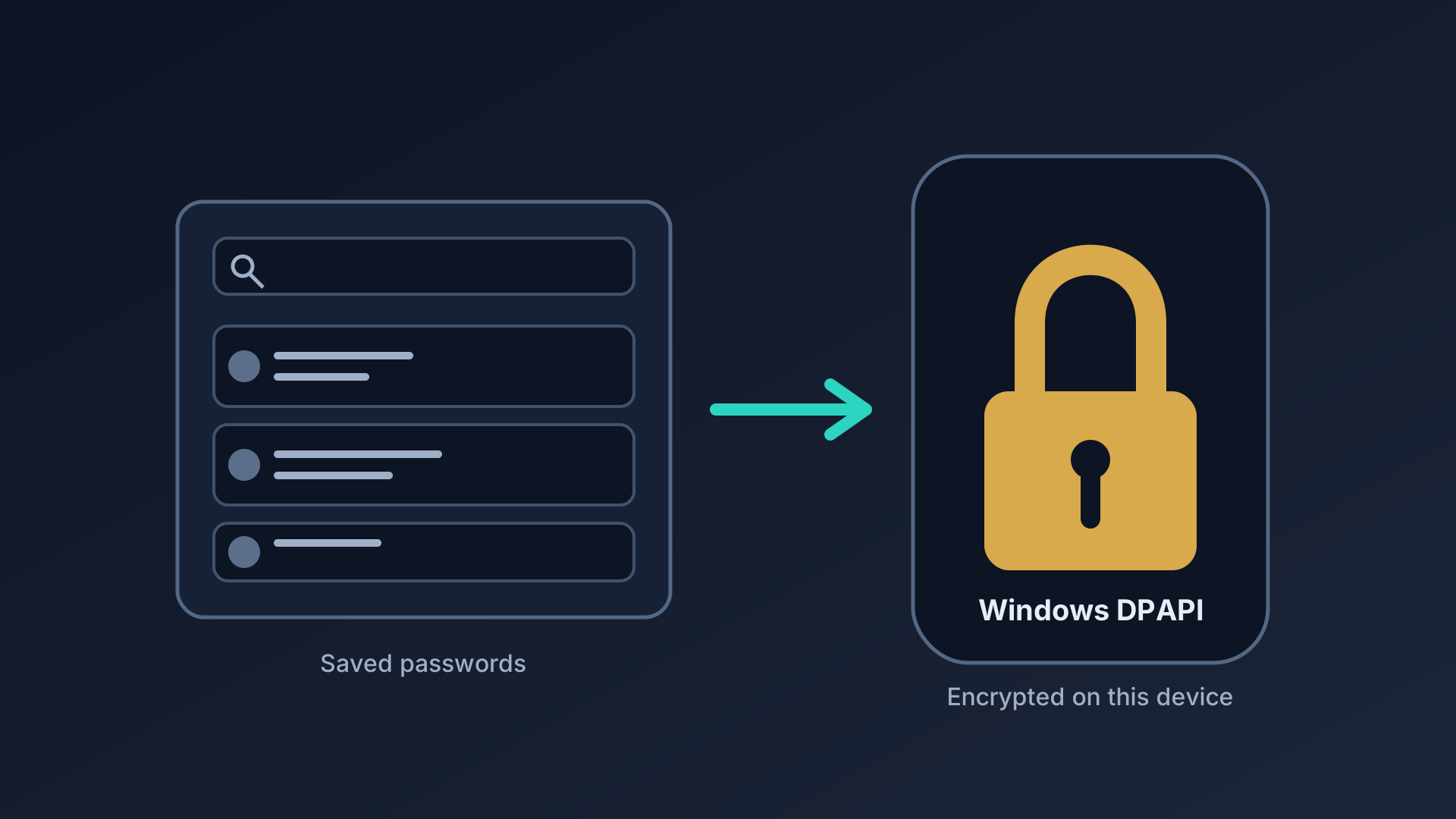
The Password Vault keeps saved entries grouped and searchable, secured through Windows DPAPI encryption.
| Feature | Free | ProRecommended |
|---|---|---|
| Add PDF passwords | ✓ | ✓ |
| Remove passwords | ✓ | ✓ |
| Drag & drop PDFs | ✓ | ✓ |
| Auto-save to folder | ✓ | ✓ |
| Password generator | ✓ | ✓ |
| Recently opened files | ✓ | ✓ |
| Password vault | – | ✓ |
| Owner password & permissions | – | ✓ |
| Change restrictions | – | ✓ |
| Encrypt & strip metadata | – | ✓ |
| Local-first workflow | ✓ | ✓ |
| 100% on-device — no cloud processing | ✓ | ✓ |
Add PDF passwords
Protect PDF files with a password using AES-128 encryption (AES-256 available in Pro) before sharing them.
Remove passwords
Remove protection from PDFs when you know the correct password.
Drag & drop PDFs
Drop a PDF into the app and start a lock or unlock workflow quickly.
Auto-save to folder
Locked and unlocked files save automatically next to the original or to a custom output folder.
Password generator
Create strong passwords instantly with a built-in generator. Auto-fills both password fields and reveals the result.
Recently opened files
Quickly re-open your last 5 files. Shows filename and folder. Clear history anytime.
Password vault
Organize passwords in named groups with categories, auto-fill when locking, and search by file name. Secured with Windows DPAPI encryption.
Owner password & permissions
Set a separate owner password and restrict printing, copying, modifying, and form filling.
Change restrictions
Modify permissions on already-encrypted PDFs — change what recipients can do without re-entering passwords.
Encrypt & strip metadata
Encrypt PDF metadata so it's only visible after unlocking, or strip author, title, and creation date entirely.
Compact accessible UI
A small fixed-window interface with keyboard navigation, screen reader support, and high-contrast colors.
Local-first workflow
Files are processed on your device using bundled QPDF — nothing leaves your machine.